Choosing between Midjourney and Flux isn't about which is "better" — it's about which fits your specific design workflow. Both have matured significantly in 2026, but they serve different purposes in a professional context.
Based on Cloudinary's comprehensive comparison and our own testing across client projects, here's what actually matters for designers.
Quick Decision Guide
| Choose Midjourney if... | Choose Flux if... |
|---|---|
| You need cinematic, stylized imagery | You need photorealistic accuracy |
| Prompt exploration and happy accidents are valuable | Precise prompt adherence is critical |
| You work primarily in Discord or web UI | You want local deployment or API integration |
| Artistic interpretation beats literal accuracy | Text rendering in images matters |
| Budget allows $30-96/month subscription | You prefer pay-per-use or self-hosted options |
Detailed Comparison
Prompt Adherence
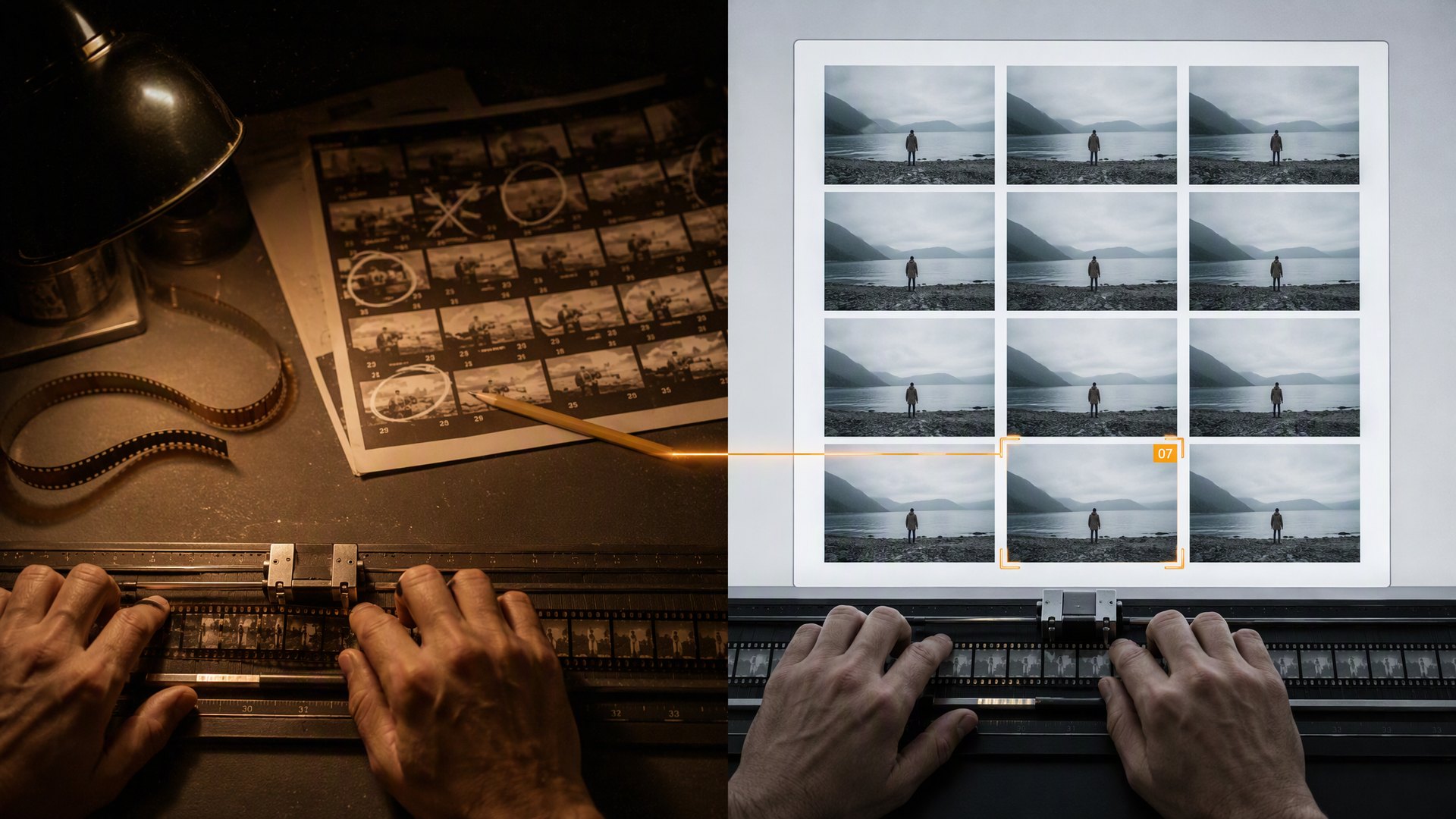
Flux wins for precision. When you specify "a red ceramic mug on a white marble countertop with morning light from the left," Flux delivers exactly that. Midjourney might give you something more artistically interesting but less predictable.
Real example: An e-commerce team needed product lifestyle shots matching exact specifications (specific props, lighting direction, color temperature). Flux achieved 85% usable outputs versus Midjourney's 40% — the artistic liberties that make Midjourney exciting became liabilities for consistent product photography.
Style Consistency Across Projects
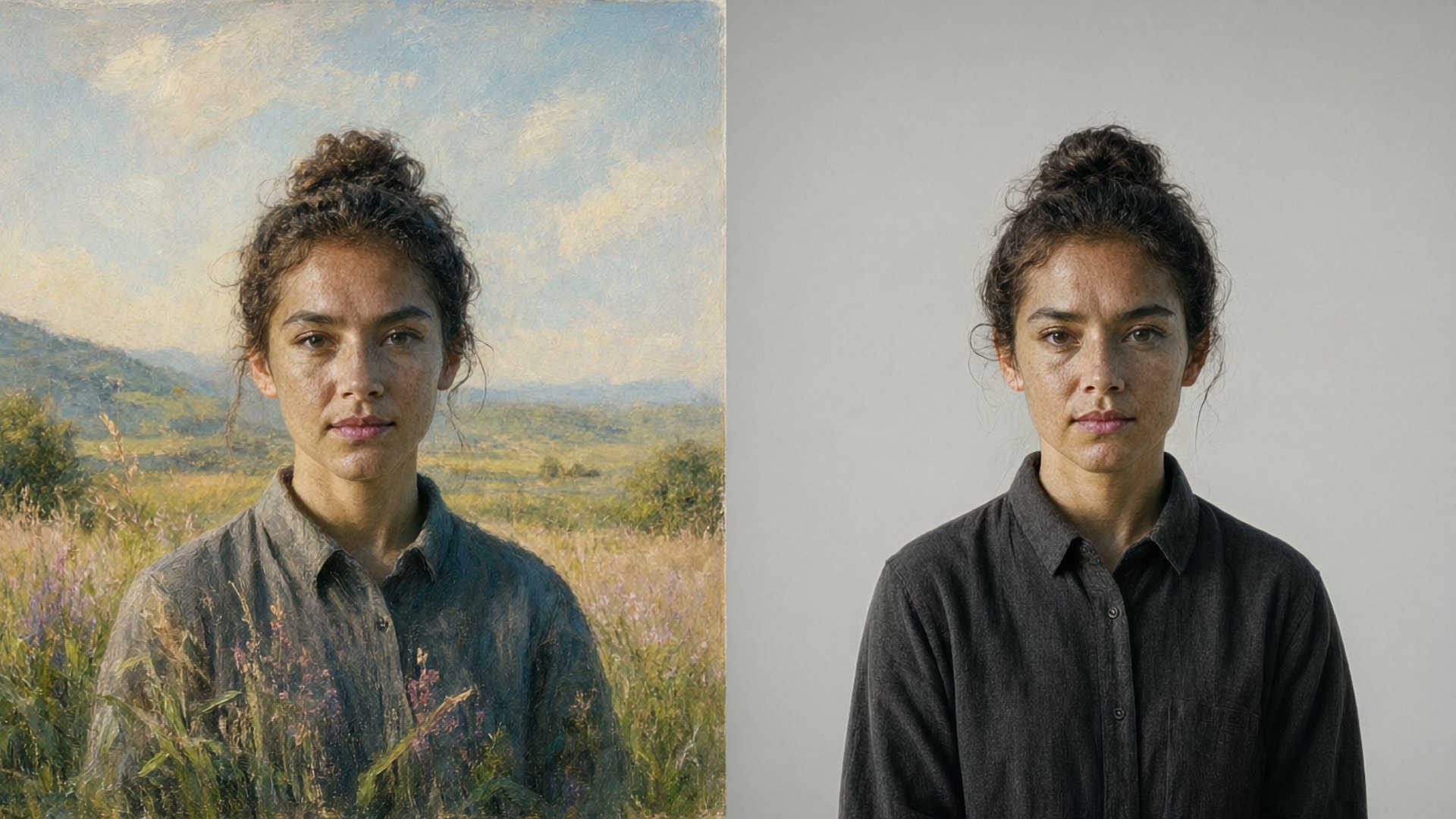
Midjourney excels at distinctive aesthetics. Its training data and fine-tuning produce recognizable "Midjourney looks" that can become part of a brand's visual identity when used intentionally.
Flux offers more neutral baselines that adapt to your direction without imposing a house style. This makes it better for projects requiring multiple distinct visual languages.
Real example: A music festival used Midjourney to create a cohesive poster series where the AI's characteristic dreamy quality became part of the event's brand. Conversely, an agency working on three simultaneous client campaigns preferred Flux because each project needed completely different visual tones.
Text Rendering
Flux handles text dramatically better. If your designs include visible typography within generated images (signage, labels, UI mockups), Flux produces legible, accurate text far more reliably than Midjourney.
Real example: A restaurant menu design required generated food photography with readable dish names overlaid. Flux produced usable results; Midjourney outputs required extensive Photoshop correction for every image.
Workflow Integration
Midjourney: Primarily Discord-based (web UI improving). Excellent for exploration and iteration through community features like remixing and variations. Less suitable for automated pipelines.
Flux: Available through multiple platforms (Replicate, fal.ai, self-hosted). Better API support enables integration into custom workflows, batch processing, and CI/CD pipelines for content production.
Real example: A social media agency built an automated pipeline generating daily post visuals for 15 clients. Flux's API allowed them to template prompts per brand, schedule generations overnight, and review curated selections each morning. Midjourney's interface couldn't support this volume efficiently.
Commercial Licensing
Both platforms offer commercial usage rights on paid tiers, but specifics matter:
- Midjourney: Full commercial rights on Basic ($10/mo) and above. Pro tier ($60/mo) includes stealth mode for private generations.
- Flux: Licensing depends on deployment. Cloud providers (Replicate, fal.ai) include commercial rights in usage fees. Self-hosted requires checking the specific model license (Flux.1-dev is non-commercial; Flux.1-schnell and Flux Pro are commercial-friendly).
Always verify current terms before client work — policies evolve frequently.
The Hybrid Approach
Many professional studios now use both:
- Midjourney for concept exploration — Generate mood boards, style directions, and creative alternatives quickly
- Flux for production assets — Create final deliverables requiring precision, text, or consistency
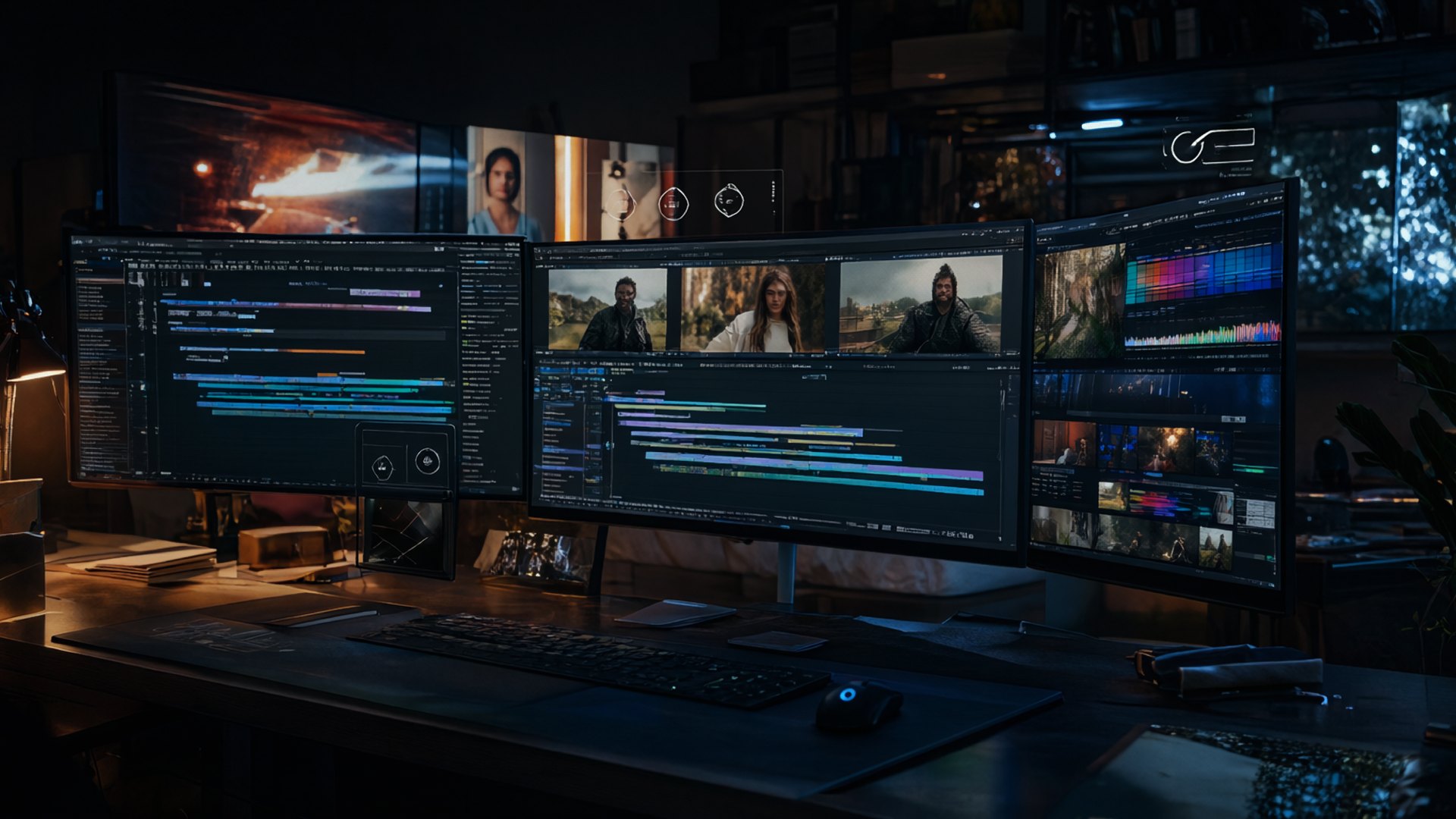
- Photoshop/Figma for refinement — Composite, correct, and integrate AI outputs into polished deliverables
This leverages each tool's strengths while mitigating weaknesses.