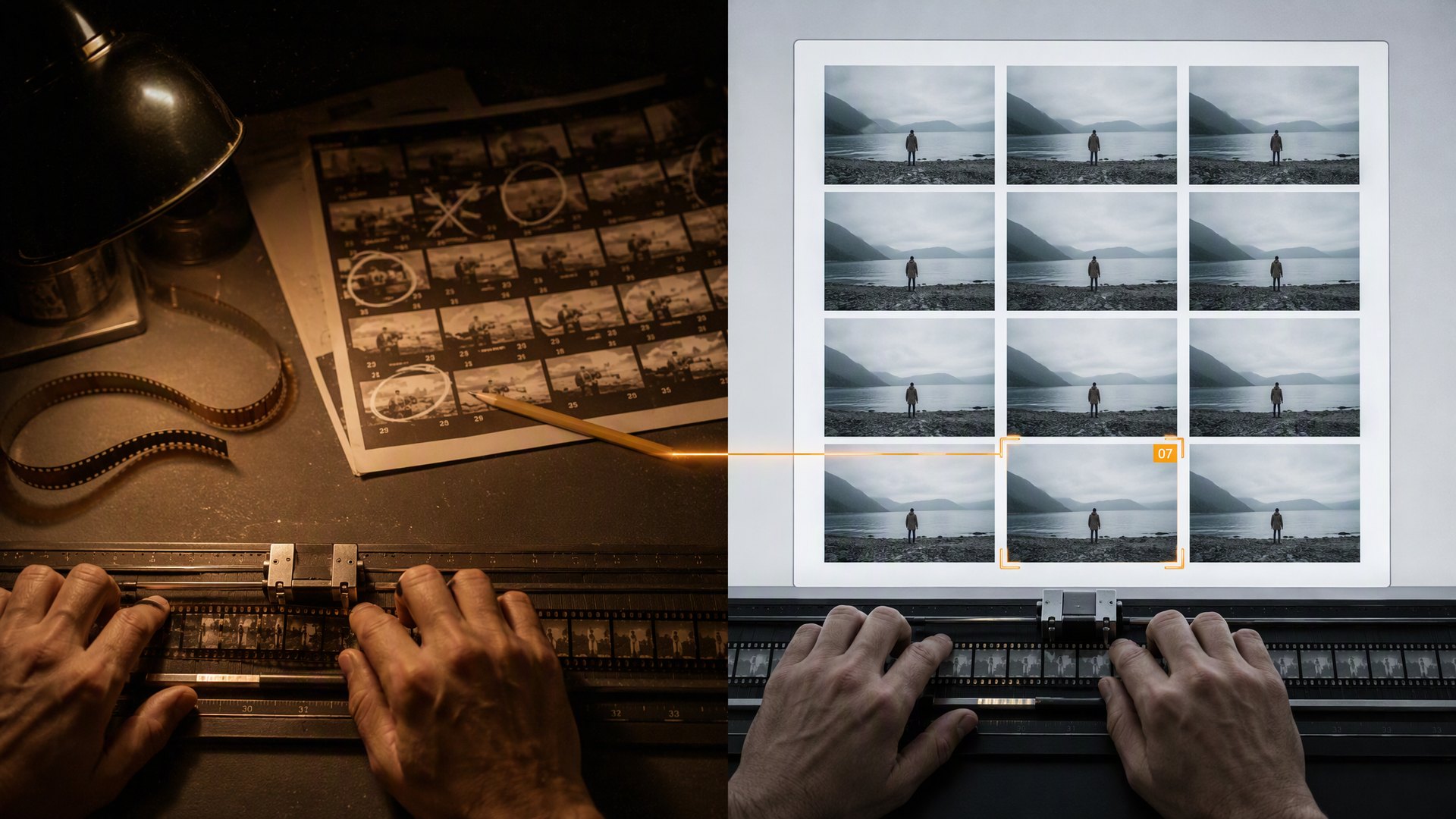
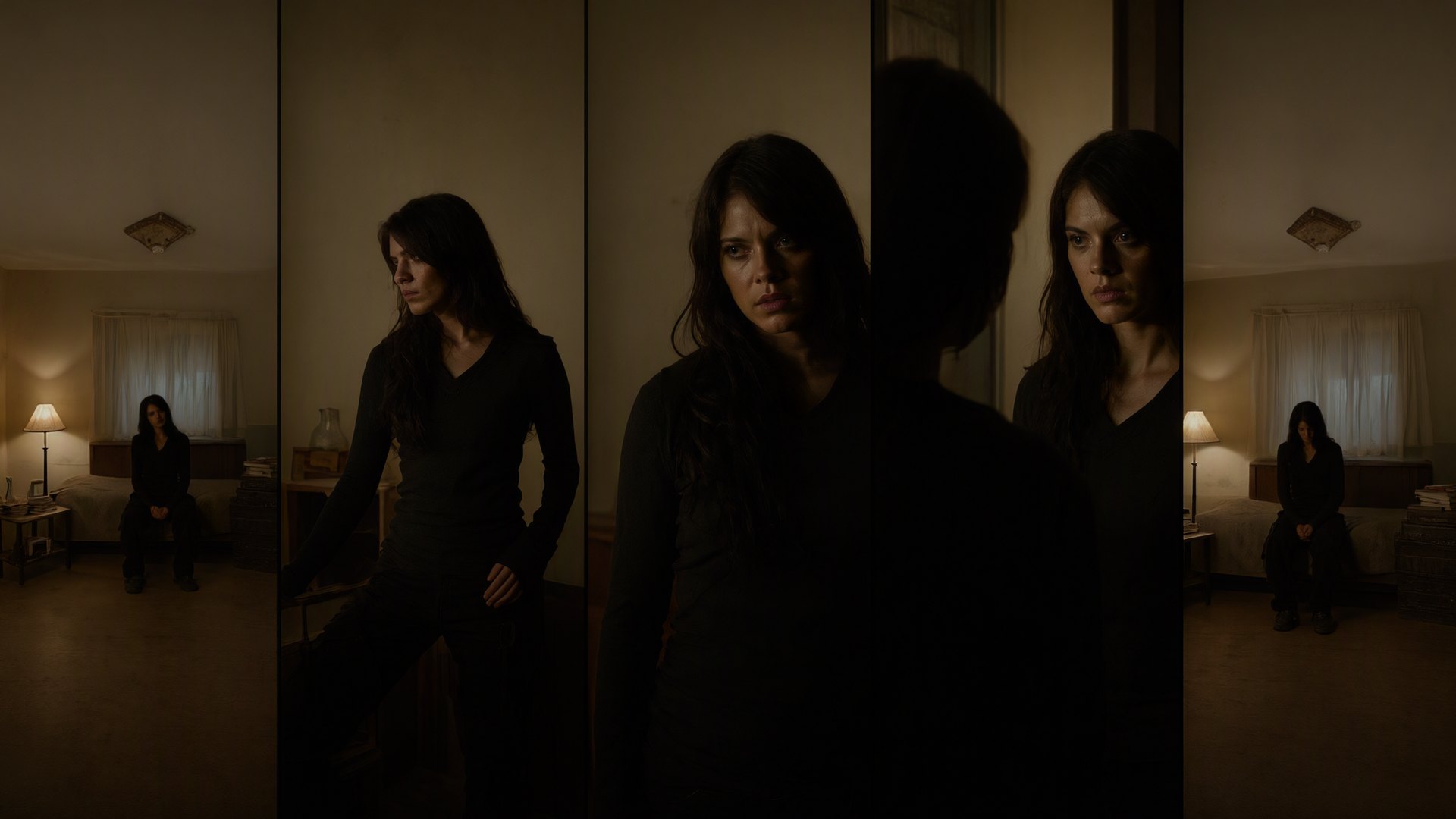
The AI video generation landscape has transformed dramatically in 2026. What once required expensive equipment, actors, and weeks of post-production can now be created from a text prompt or reference image in minutes. For designers working on motion graphics, product demos, or social media content, these tools have become essential parts of the creative toolkit.
The Current Leaders: Kling 4, Veo 3, and Runway Gen-4
After extensive testing across real design projects, three platforms have emerged as the clear frontrunners for professional work:
Kling 4 — Best for Cinematic Motion
Kling 4 from Kuaishou has become the go-to choice for designers needing cinematic quality with precise camera control. Its standout feature is reference-to-video, where you upload a product photo or character sheet and the AI generates consistent motion while preserving visual identity.
Real example: A furniture brand used Kling 4 to create 15-second product showcase videos from static catalog photos. The AI maintained accurate wood grain textures and fabric details while adding natural camera dolly movements. Production time dropped from 3 days per video to under 2 hours.
Google Veo 3 — Best for Photorealism
Google's Veo 3 model excels at photorealistic output with accurate physics simulation. According to recent benchmarks, Veo leads in temporal consistency — meaning objects don't morph or flicker between frames, a critical factor for professional deliverables.
Real example: An architecture visualization studio uses Veo 3 to animate still renders into walkthrough clips. Clients can see how light moves through a space before construction begins, replacing expensive real-time rendering setups.
Runway Gen-4 — Best for Creative Control
Runway remains the favorite among motion designers who need granular control. Its Motion Brush tool lets you paint specific areas to animate while keeping others static — perfect for adding subtle life to product shots without full-scene regeneration.
Real example: A cosmetics brand creates social media ads by uploading product photography and using Motion Brush to add floating particles, liquid splashes, and gentle rotation — all without reshooting.
Practical Workflow for Designers
Here's a tested workflow that integrates AI video into a professional design pipeline:
- Start with strong references — AI video works best when given clear visual anchors. Prepare hero images, style frames, or mood boards before prompting.
- Generate multiple variations — Never settle for the first output. Generate 4-6 versions and composite the best elements.
- Use AI for B-roll, not A-roll — AI excels at atmospheric shots, transitions, and supplementary footage. Keep human interviews and key messaging traditionally produced.
- Color grade everything — AI outputs often need color correction to match your brand palette. Treat them like raw camera footage.
- Add sound design manually — AI-generated audio remains unreliable. Layer professional sound effects and music in post.
What About Sora?
You may notice OpenAI's Sora is absent from this list. As of late 2026, Sora has been effectively discontinued as a standalone product, with its technology absorbed into ChatGPT's general capabilities. For dedicated video production workflows, the three tools above offer superior control and consistency.
Pricing Considerations
Most platforms operate on credit-based systems. Budget approximately $50-150/month for active project work. Kling offers the best value for high-volume output, while Runway's subscription includes additional editing tools that justify the premium for teams already in their ecosystem.