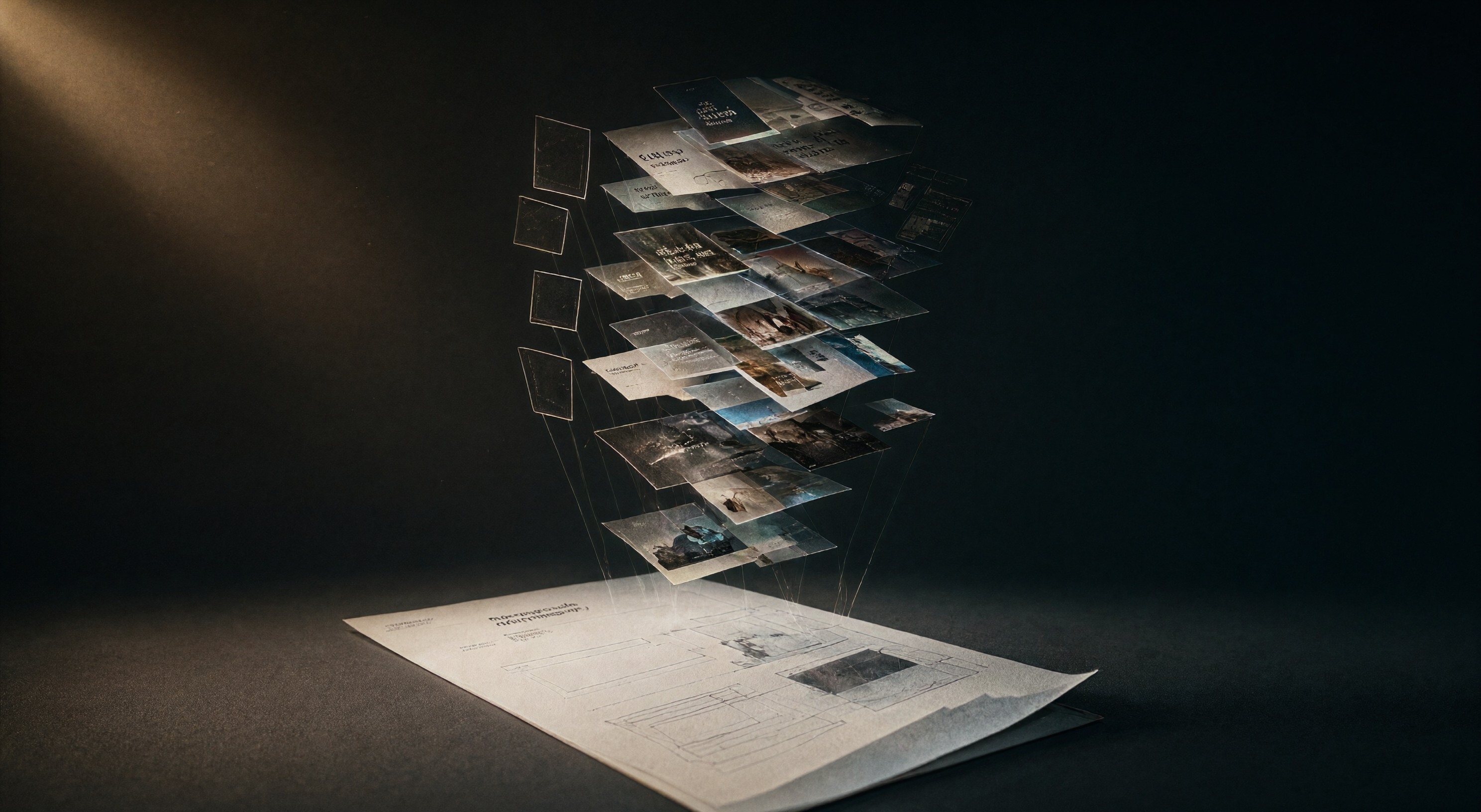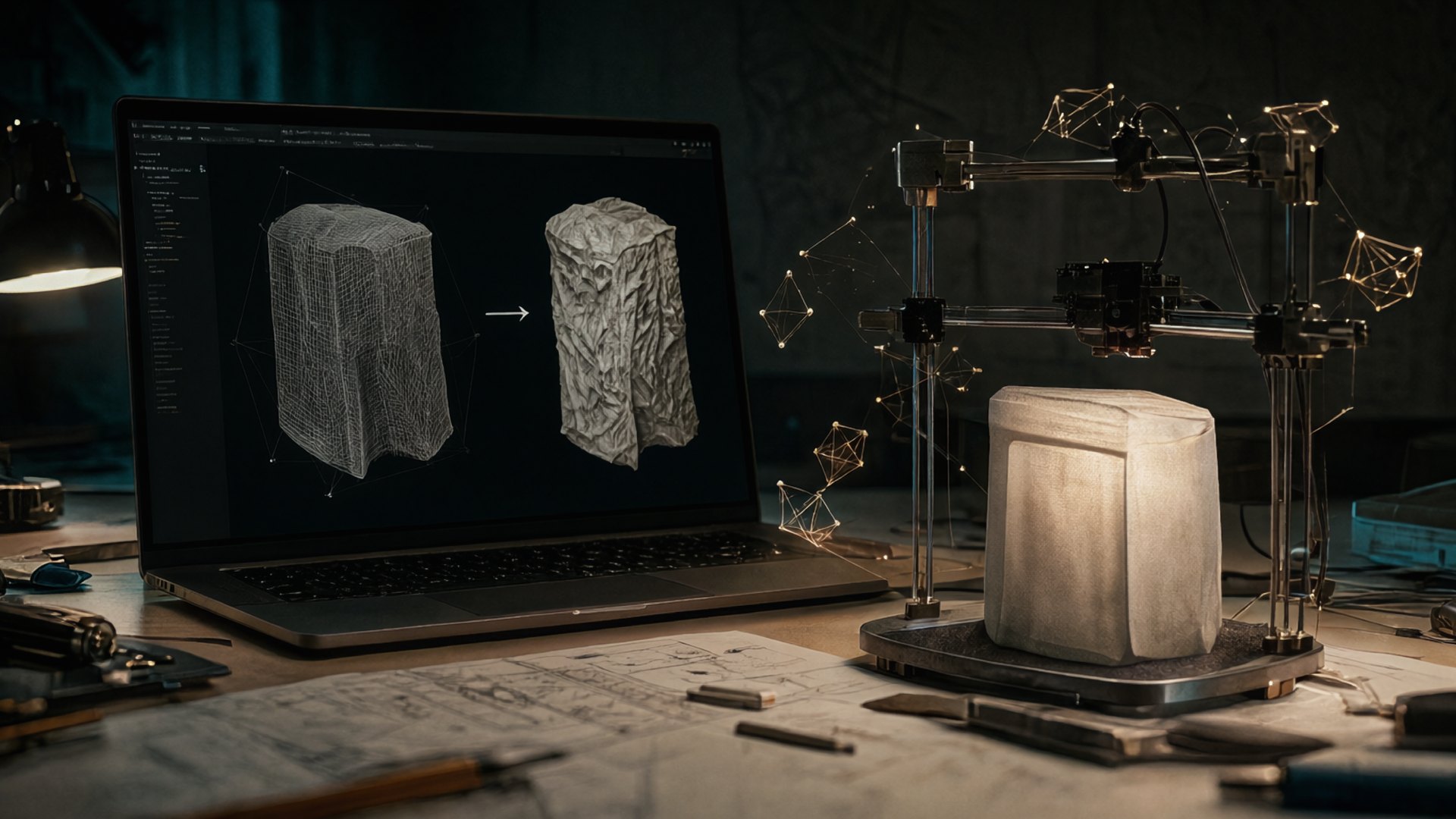
Scenario open-sourced its Blender plugin on 22 October. The plugin runs as a Blender 5.0 extension and exposes more than 500 generative models inside the viewport: image, video, 3D, PBR material, audio, and panorama generation. You type a prompt, the result lands in your scene, and you stay in the same window. A local MCP server exposes the same generators to scripts and agents.
What sits in the viewport
You pick a generator tab, type a prompt, and the result lands in the scene. Each mode covers one production need: image and video for concepts, 3D for props, PBR materials for surfacing, panorama for environments, audio for scene sound. An environment artist can fill a backdrop and its materials without leaving Blender, then hand the file to a renderer as usual.
Two more moves in the same direction
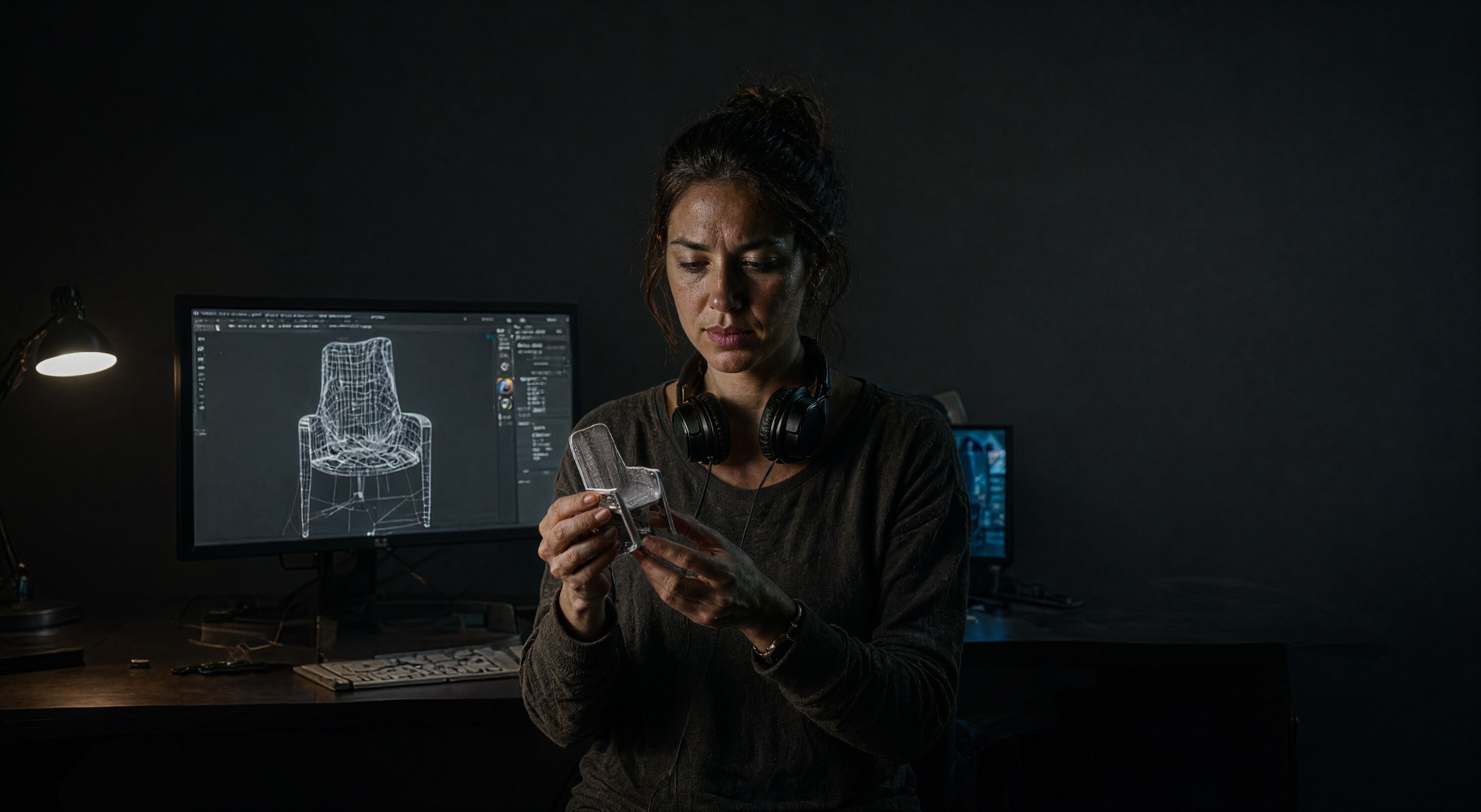
Meshy shipped Meshy Edit on 16 October. You select a part of a generated model, describe the change in one prompt, and the rest of the model stays untouched. Swap a chair leg and keep the chair.
Chaos added AI generation to Cosmos on 14 October: one image in, a 3D model out, plus image-based search across the asset library.
Cleanup stays with you
Generated meshes arrive with non-manifold edges, flipped normals, and dense scrap geometry where topology should be. All3DP ran a guide on 6 October through five free Blender add-ons that repair AI meshes for 3D printing. You meet the same defects outside printing: booleans fail, shading breaks on flipped normals, subdivision surfaces pull the mesh apart.
We generate every header on this blog through ComfyUI, and the finishing pass comes after generation: crop, grade, convert. 3D runs the same shape. You generate in the viewport, repair in Edit Mode, unwrap, check the material, export. The repair tools share a window with the generator, so you switch tabs where you used to export, download, and re-import.
The loop you can run today
Blender includes a 3D-Print Toolbox add-on that checks manifold edges, wall thickness, and overhangs. Turn it on in preferences and run it after every generation. For the full repair kit, the All3DP guide lists five free add-ons and the defect each one fixes.
For a solo artist this compresses the day: prompt, repair, texture, repeat, all inside one program. A studio keeps its review gates but drops the file shuffling between the generator website and the DCC.
AlphaSignal covered the plugin release here, the Meshy announcement is on PR Newswire, and the Chaos write-up lives on the Chaos blog. We looked at the same shift from the web side in our post on v0, Lovable, and Bolt.