
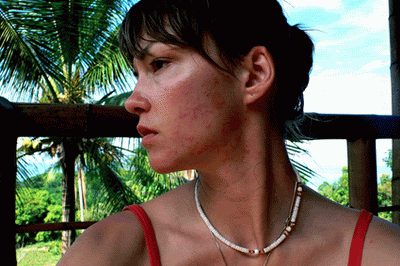
This Photoshop tutorial will teach you how to remove acne spots from a photo.
1. First open your photo which you want to cure the acne on.

2. Next, click on your “Healing Brush Tool” 

3. To clear up areas where two distinct colors of acne are near, set your “Hardness” to 66% so you can blend the areas more naturally.

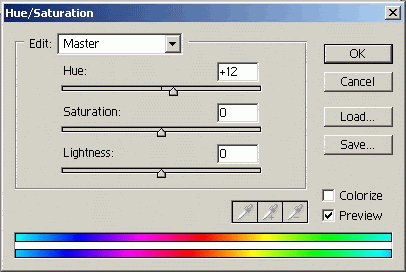
4. Next, click on Layer > New Adjustment Layer > Hue/Saturation to balance the colors. I increased the Hue slider by 12 points to even out the reddish blemishes on the women in this example.

5. Your final image should look like the one below when your finished.

Author: Gary Logsdon
Originally posted on 11amdesign.com
